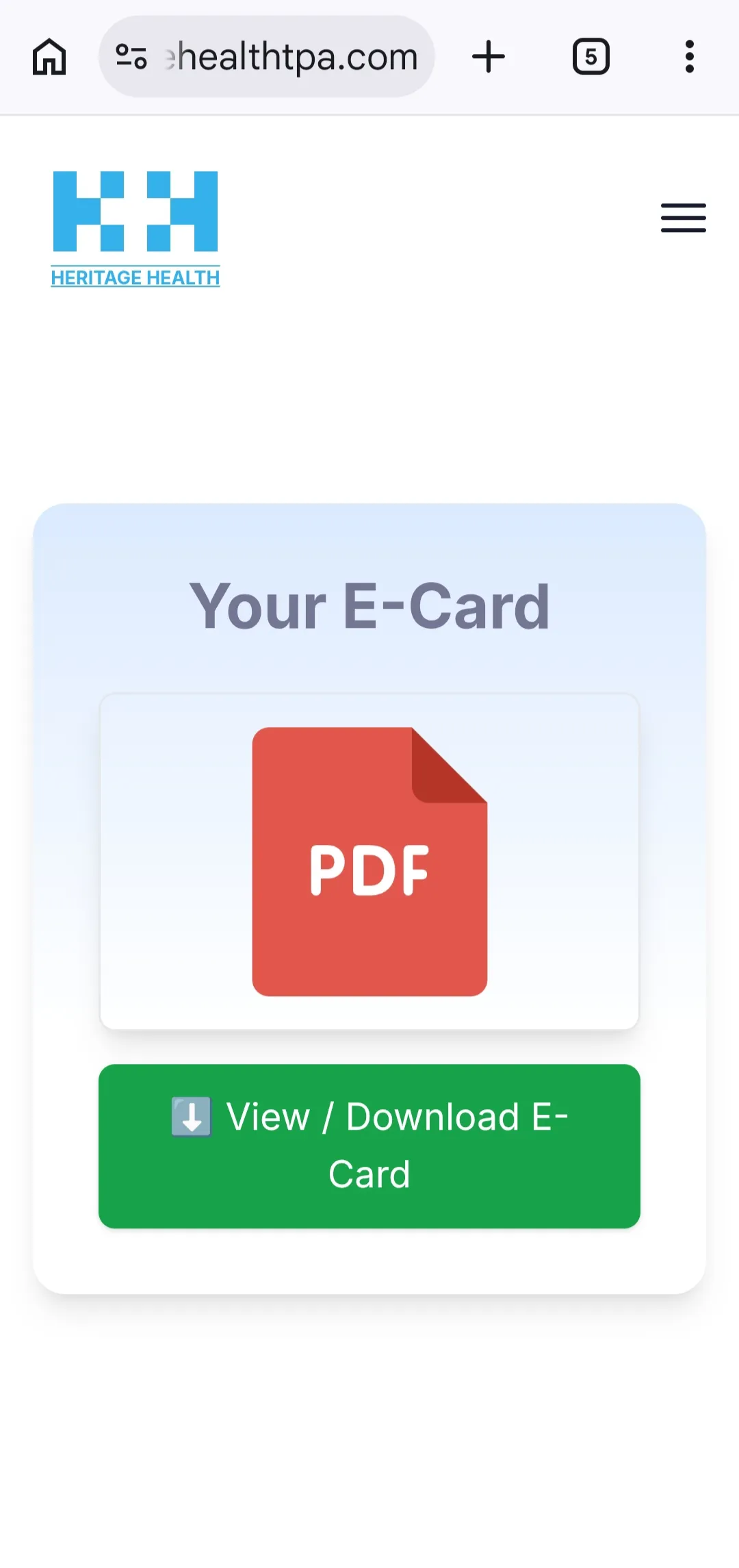
Banks provide health insurance coverage to their employees through insurance companies, while the entire claim process is managed by third-party administrators (TPA). For example, Heritage TPA handles the health insurance services for employees of Punjab National Bank. In this article, we will explain the claim process and show how bank employees can download their health insurance card from the TPA website. Here, we will use the Heritage TPA website as an example.
How to download Bank Heritage TPA Health Insurance Card?
How to download Bank Heritage TPA Health Insurance Card?
- Step 1
Visit Website: https://portal.heritagehealthtpa.com/
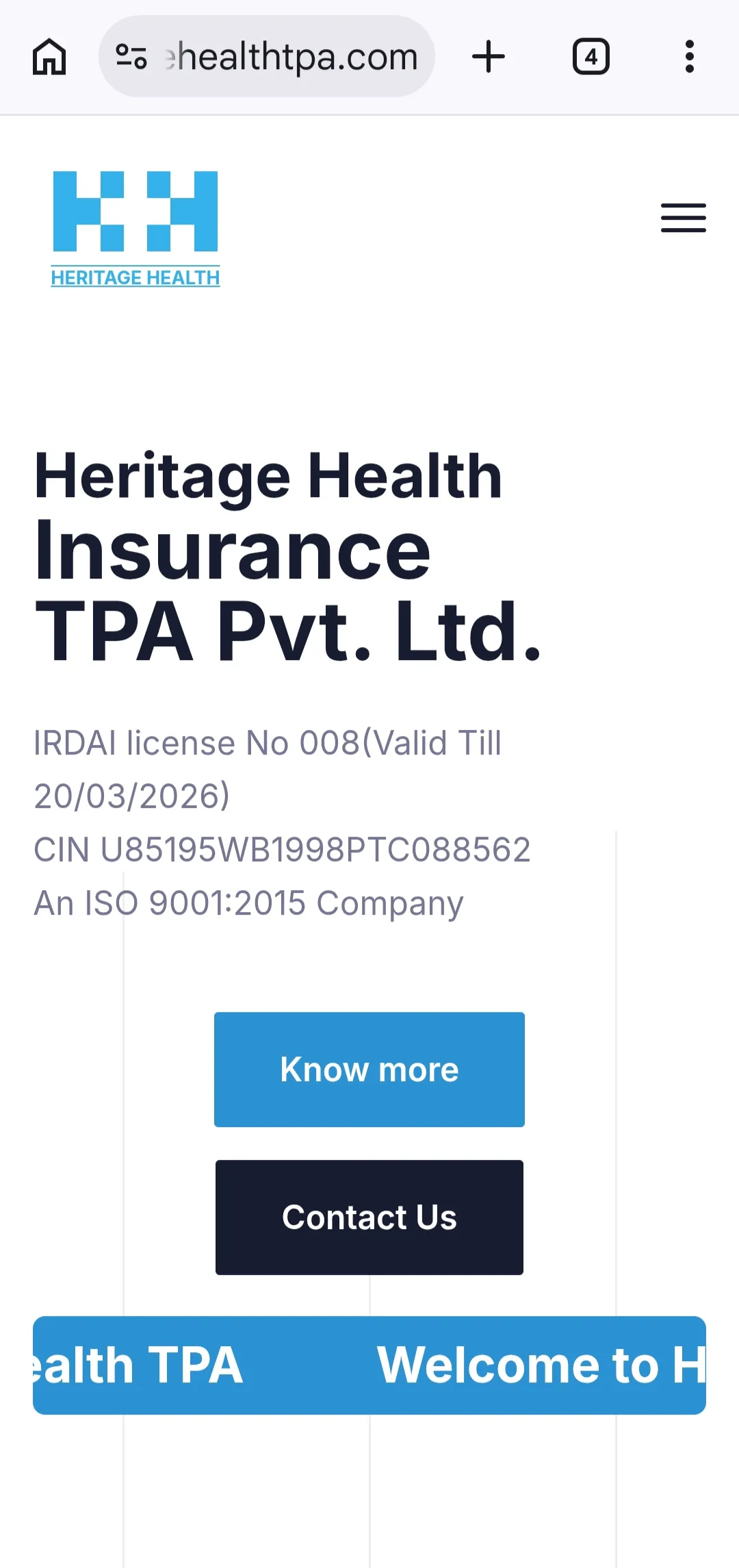
- Step 2
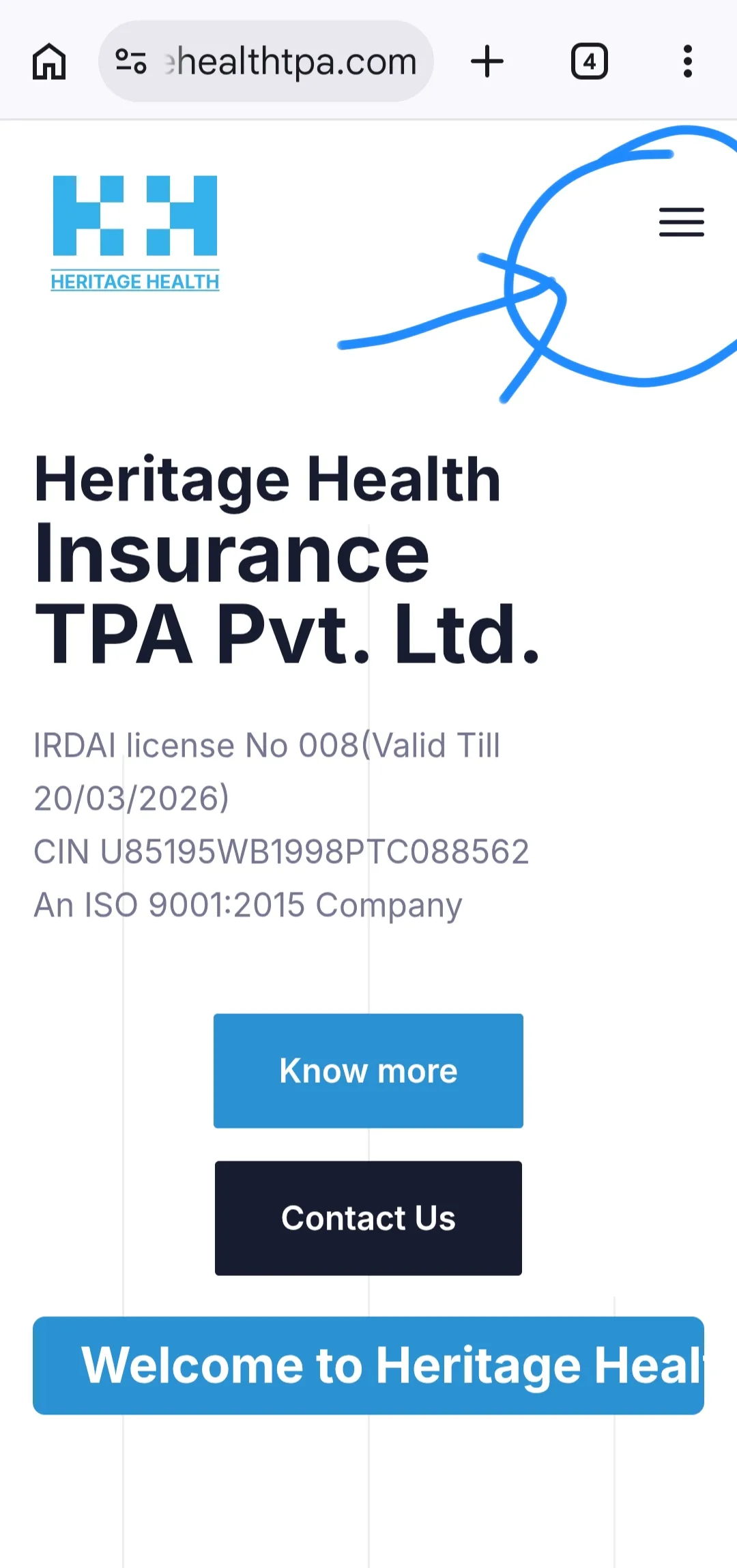
Click on menu button on top right as shown in image.
 Advertisement
 - Step 3
Click on Login As – Insured
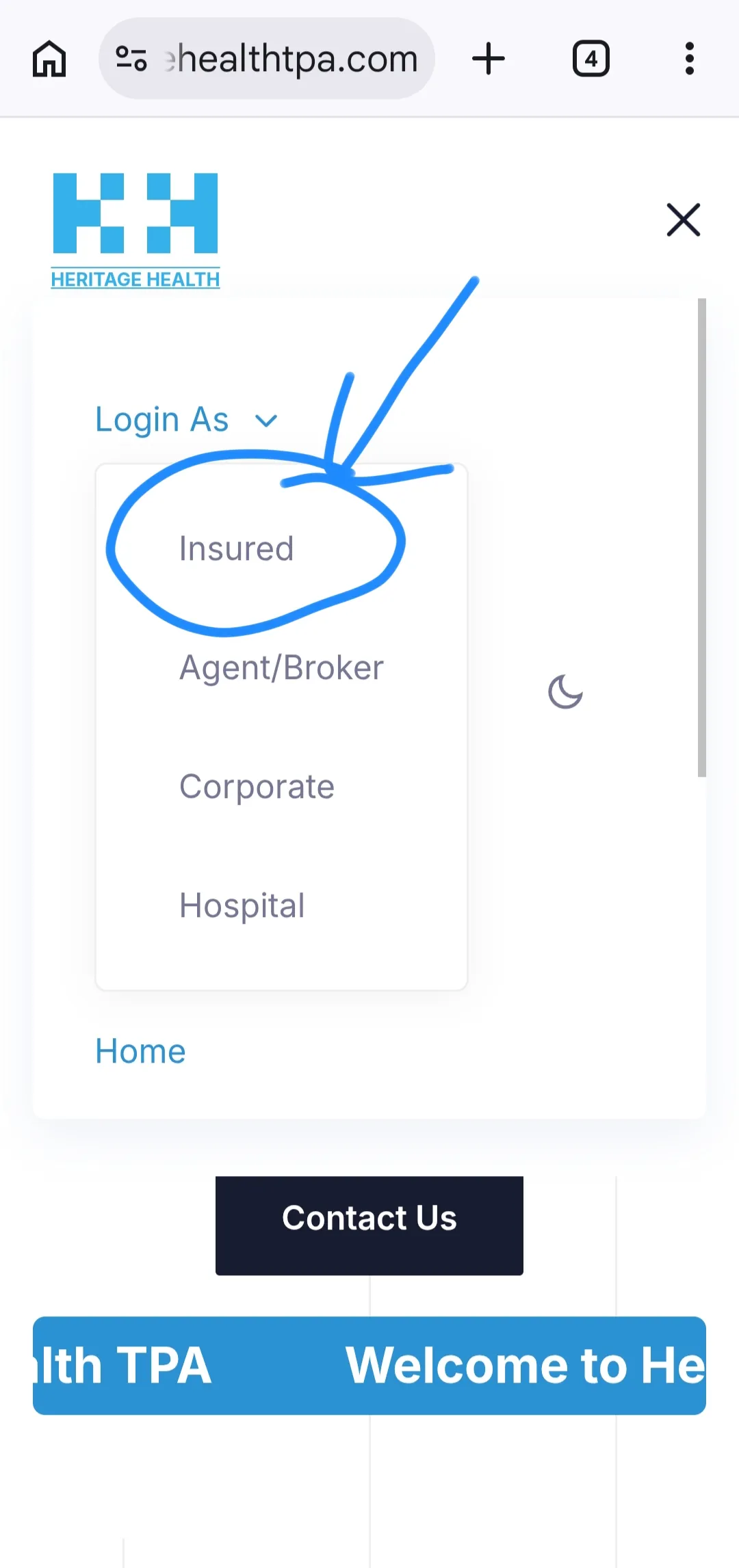
- Step 4
Enter username and password. For PNB employees, username is PNB_PF and password is PNB@PF. Example: Username – PNB_123456 and Password – PNB@123456
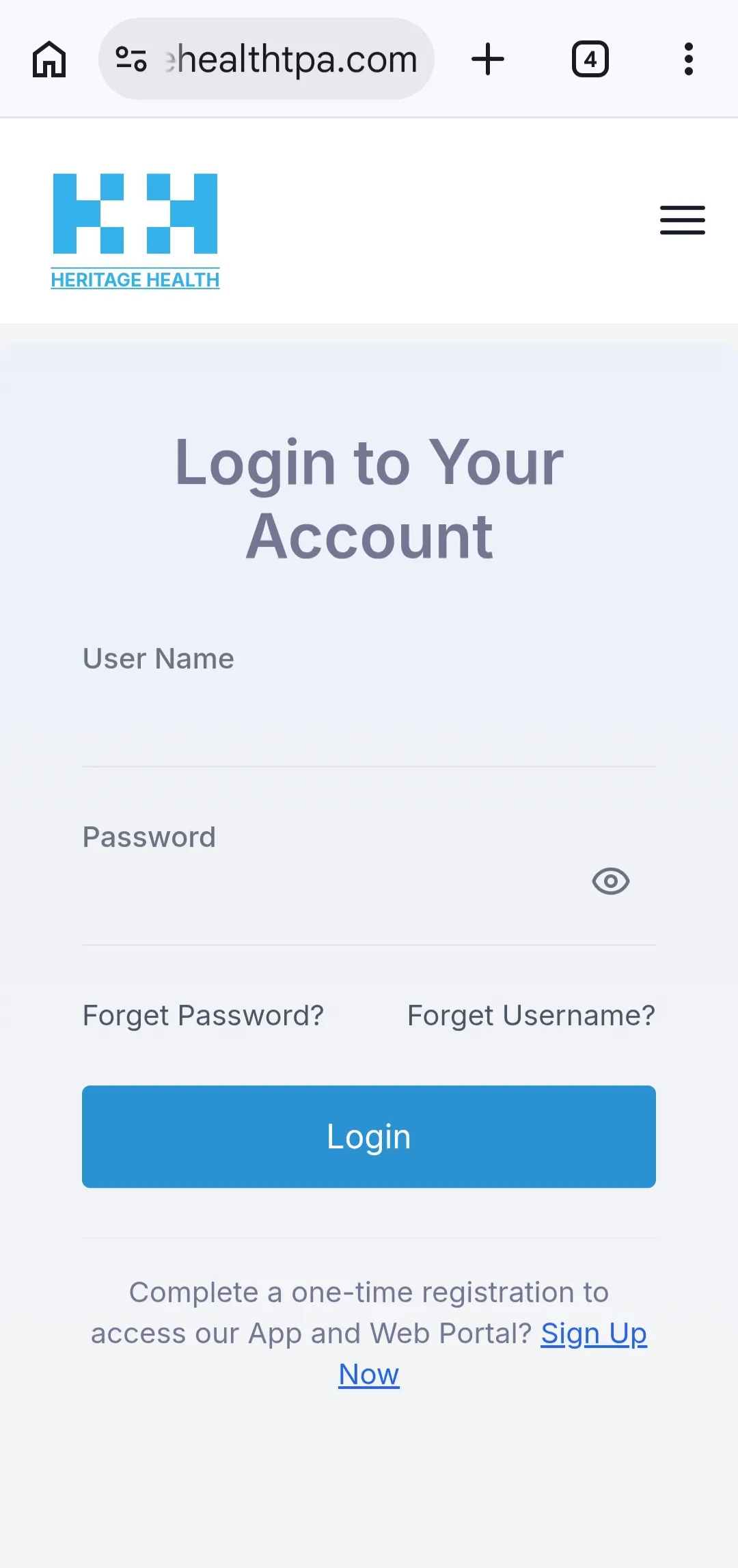
- Step 5
After login, you will be redirected to homepage. The same screen in Step 1.
- Step 6
Again click on menu button on top right. Now a menu option will appear. Click on menu and then click on Card/claim status.
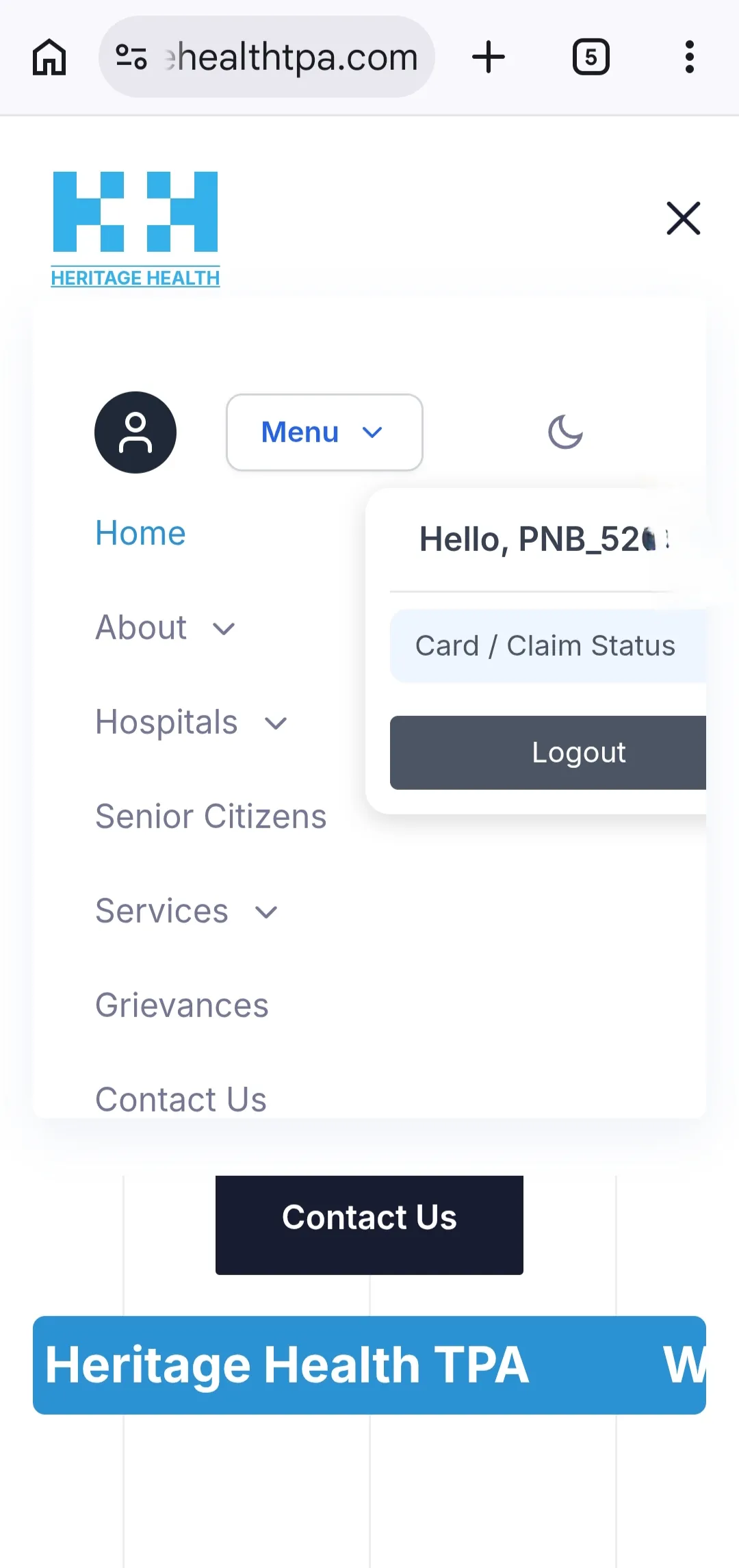 Advertisement
 - Step 7
After that, Click on close button on top right.
- Step 8
A page with Policy number will be displayed. Click on policy number. Bank name and details will show. Click on View Member Details.
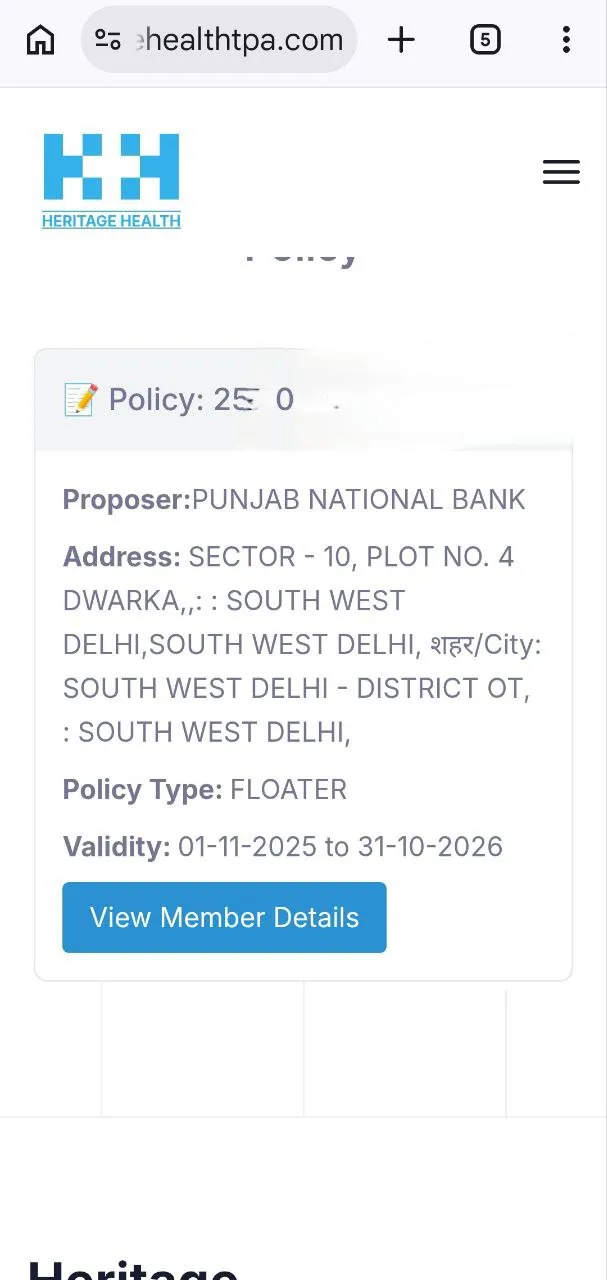
- Step 9
Click on View Details. Details of members will open up. Click on View Details.
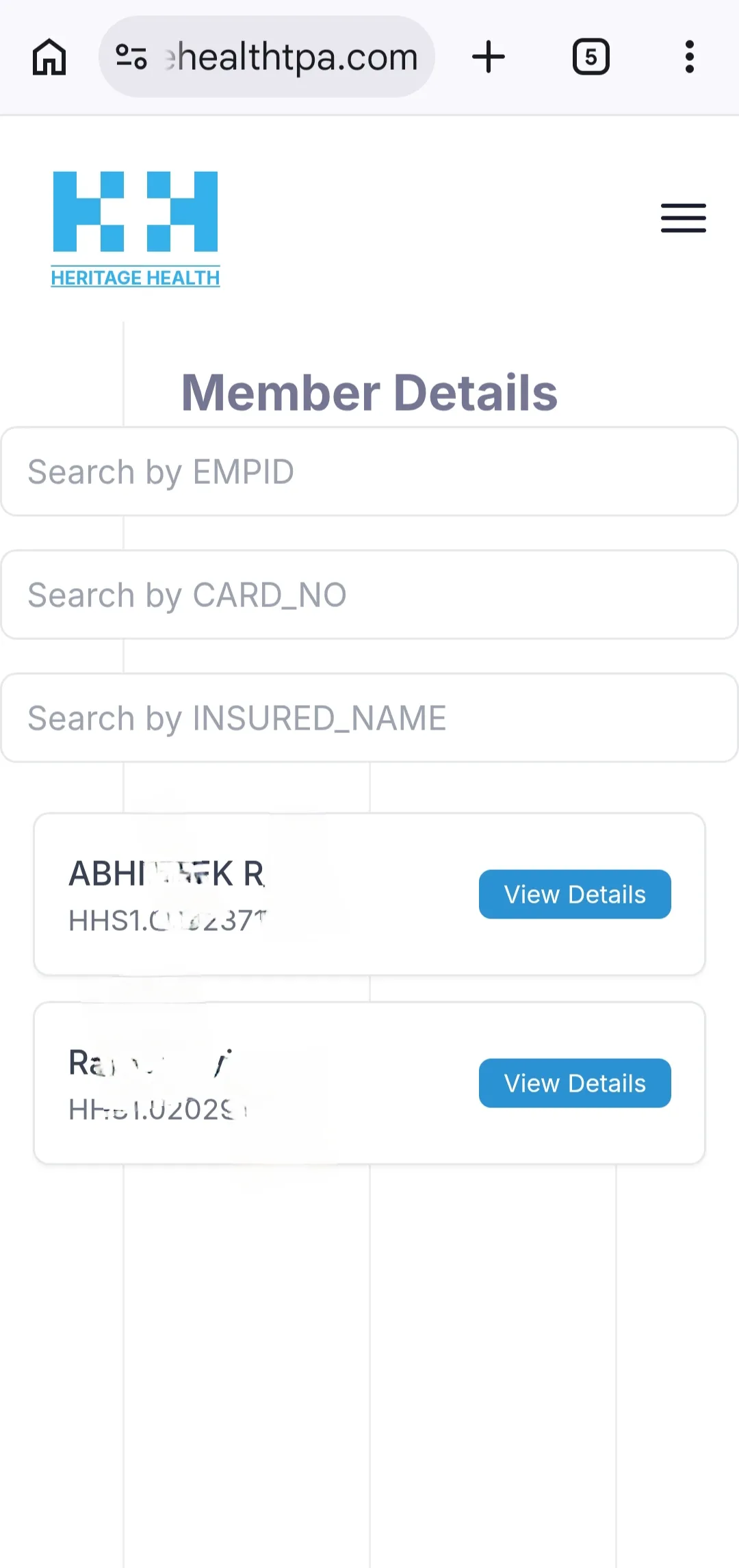
- Step 10
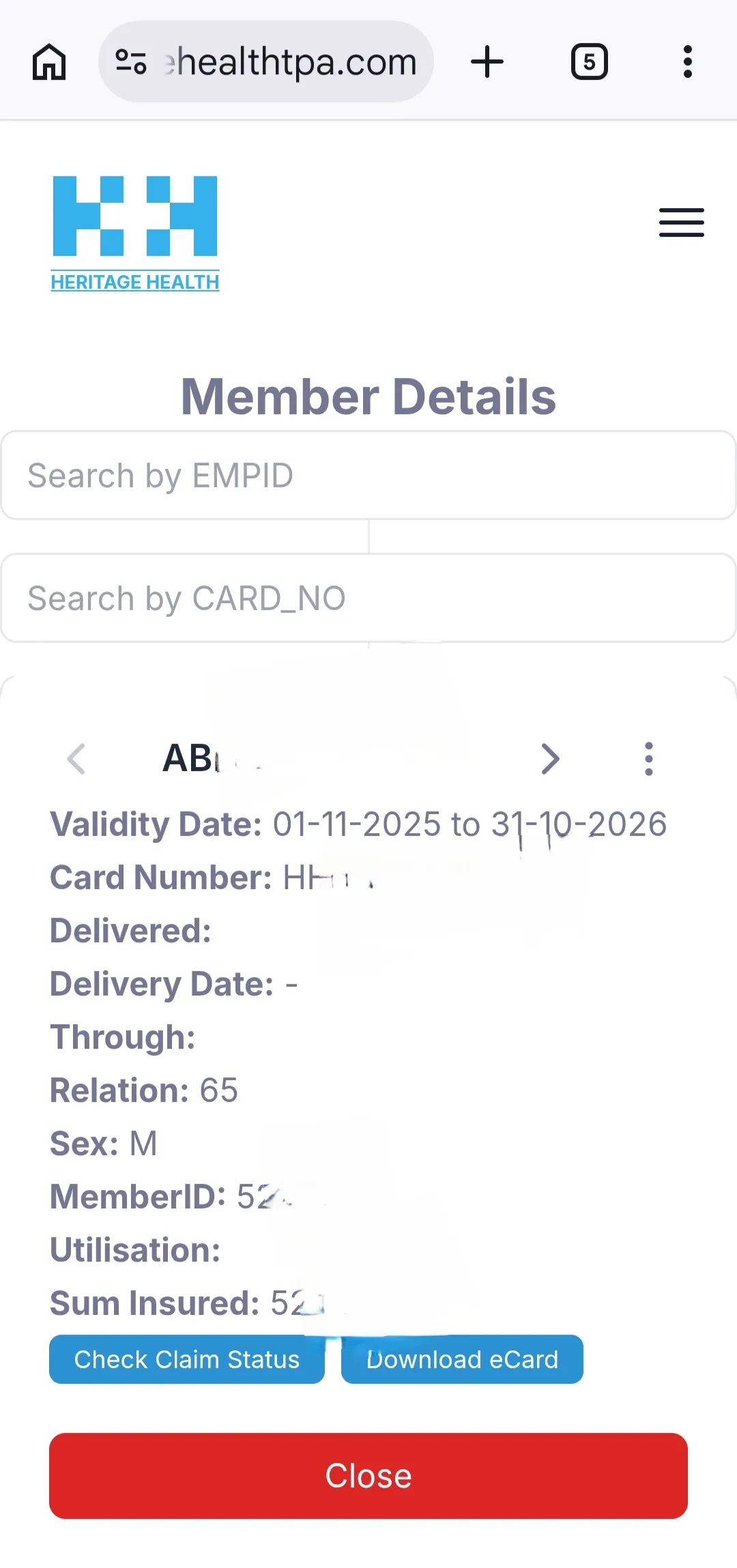
A screen will open up to download E-card. Click on download E-card.
 Advertisement
 - Step 11
Click on Download e-Card