| ➡️ Click here to Join Whatsapp News Group - Get instant updates of all Banking News |
Bank employees can now download their Ericsson TPA Health Insurance E-Card online through the official Ericsson TPA website. The Ericsson TPA is used by leading public sector banks like Bank of India and other banks.
How to Download Bank Ericsson TPA E-Card?
Follow below steps to download Bank Ericsson TPA E-Card
- Step 1
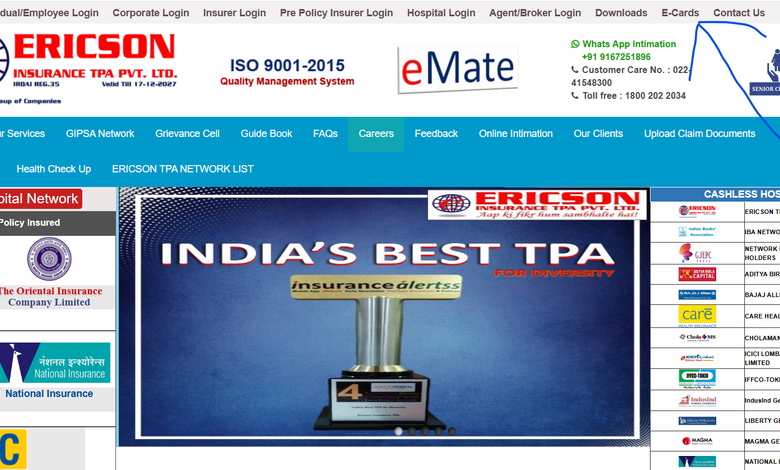
Visit the official website: https://www.ericsontpa.com
- Step 2
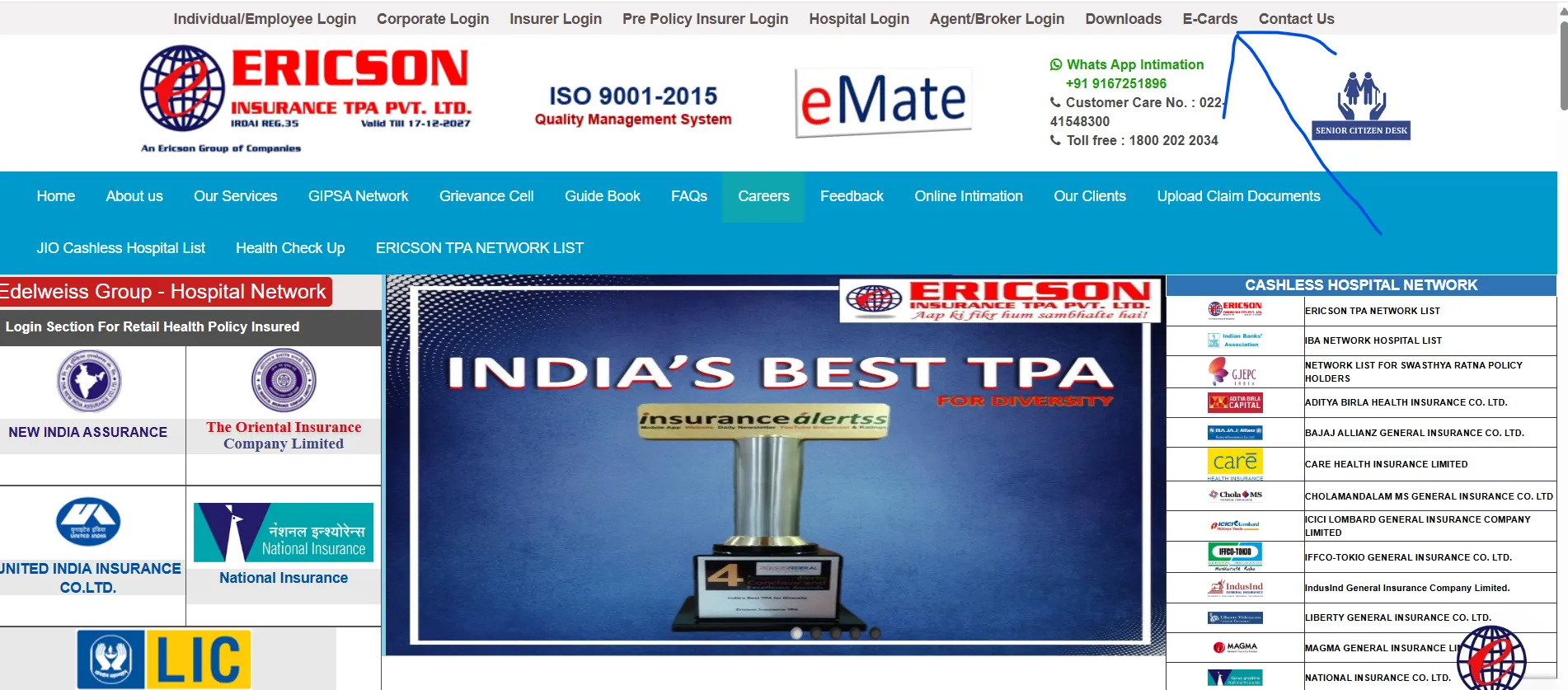
Click on the E-Card section available at the top of the website
 Advertisement
- Step 3
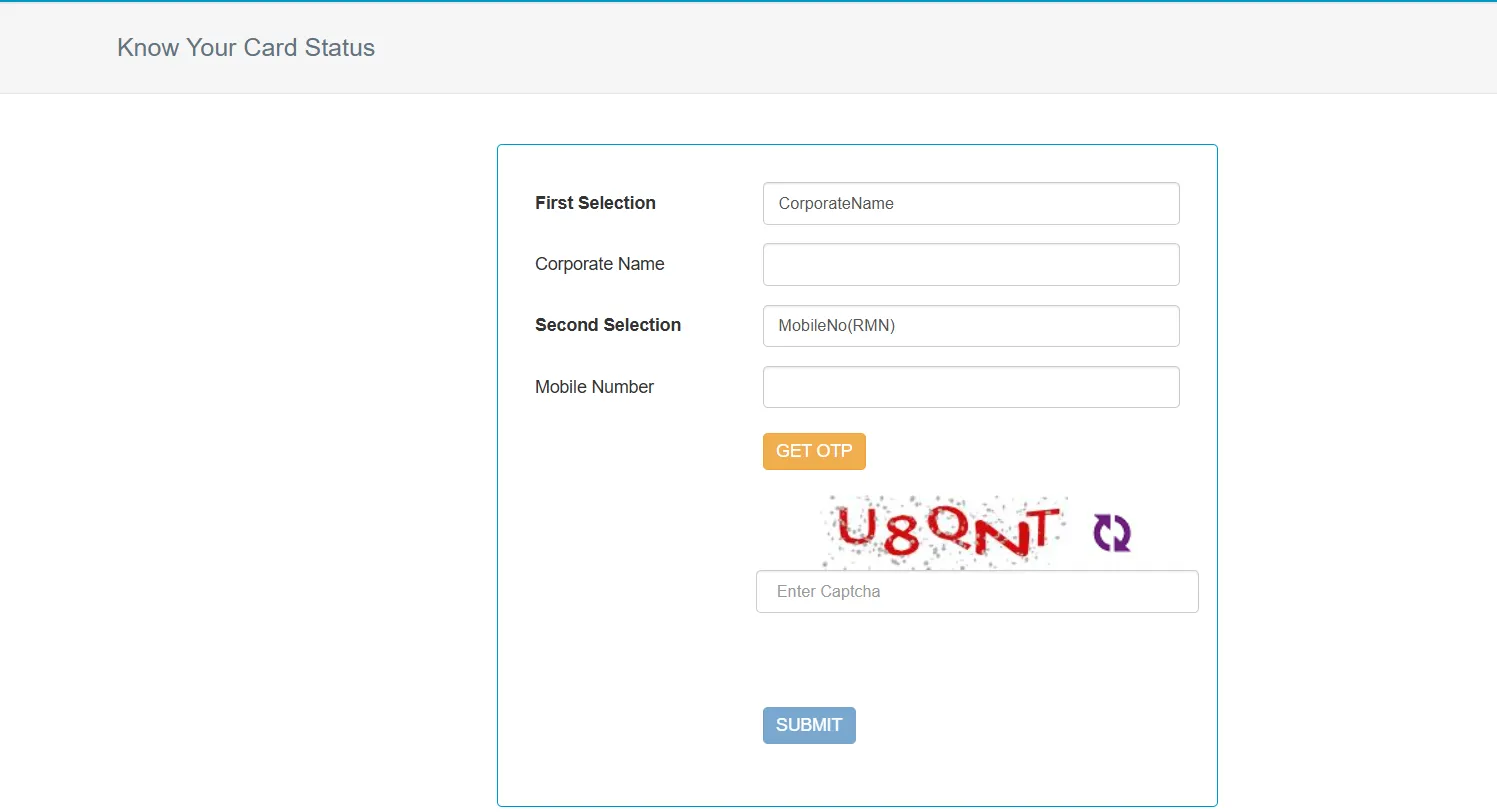
Under the First Selection option, enter the following details: – Corporate Name: Bank of India
- Step 4
Under the Second Selection option, select EmpCode.
- Step 5
Enter your Employee ID in the required field.
Advertisement - Step 6
Enter the displayed CAPTCHA and click on the Submit button.
After submitting the details, the E-Card will be available for download.
Important Instructions for Bank of India Employees
- Download your Ericsson TPA Health Insurance E-Card.
- Save a copy on your mobile phone.
- Keep a copy for future medical emergencies.
- Carry the E-Card or keep it accessible when visiting network hospitals for cashless treatment.
How to download Bank Heritage TPA Health Insurance Card? Check Step-by-Step Process
Also Check This


Please login to comment