| ➡️ Click here to Join Whatsapp News Group - Get instant updates of all Banking News |
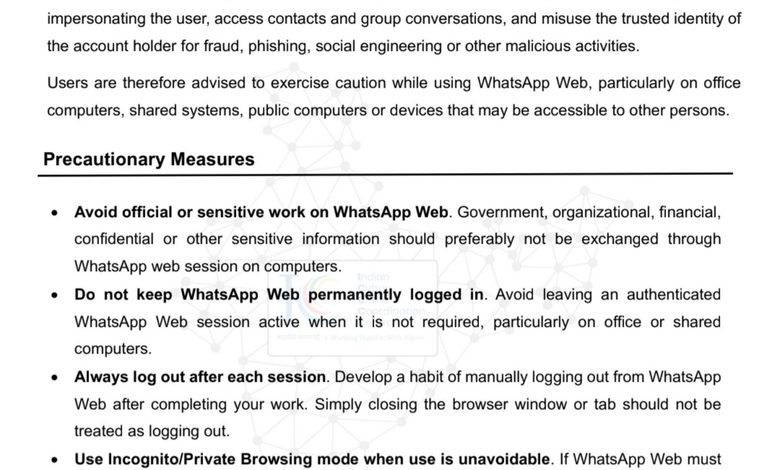
The National Cybercrime Threat Analytics Unit (NCTAU) of the Indian Cyber Crime Coordination Centre (I4C), under the Ministry of Home Affairs, has issued an advisory (TAU/ADV/021) warning that active WhatsApp Web sessions can be misused for unauthorized account access, identity impersonation, fraud, and phishing.
Read Advisory
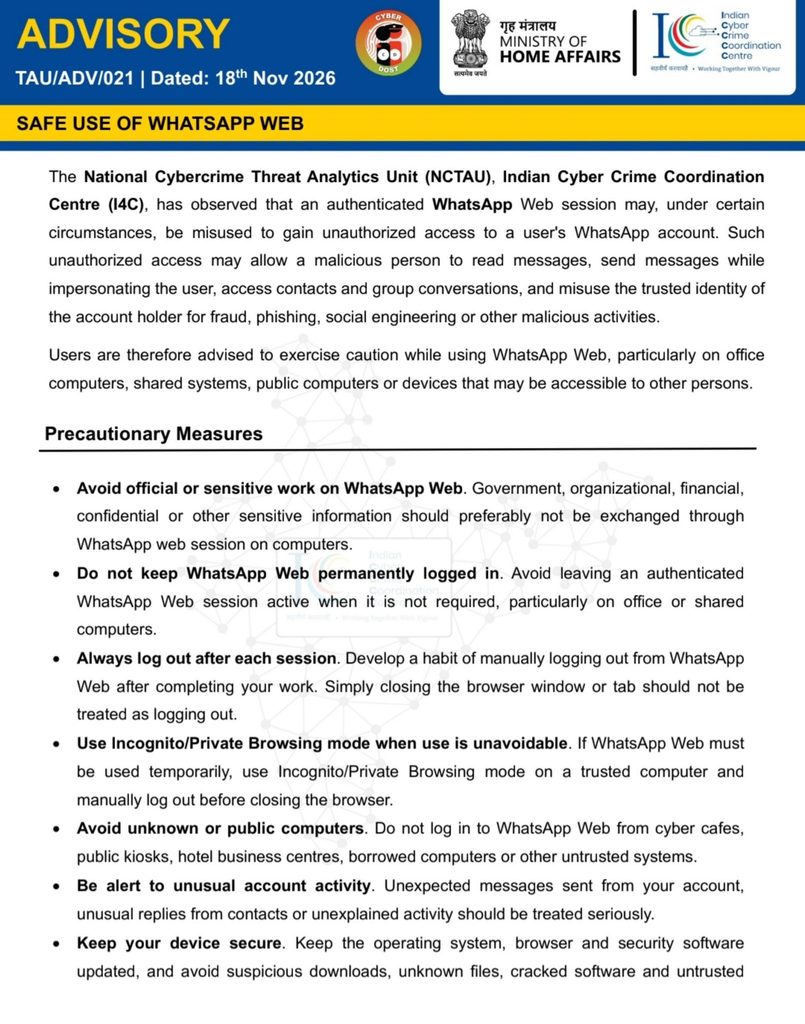
1. Avoid official or sensitive work on WhatsApp Web: Government, organizational, financial, confidential or other sensitive information should preferably not be exchanged through WhatsApp Web on computers.
2. Do not keep WhatsApp Web permanently logged in: Avoid leaving an authenticated WhatsApp Web session active when it is not required, particularly on office or shared computers.
3. Always log out after each session: Manually log out of WhatsApp Web after completing your work. Simply closing the browser window or tab should not be treated as logging out.
4. Use Incognito/Private Browsing mode when necessary: If WhatsApp Web must be used temporarily, use Incognito/Private Browsing mode on a trusted computer and manually log out before closing the browser.
5. Avoid unknown or public computers: Do not log in to WhatsApp Web from cyber cafes, public kiosks, hotel business centres, borrowed computers or other untrusted systems.
6. Be alert to unusual account activity: Unexpected messages sent from your account, unusual replies from contacts or unexplained activity should be treated seriously.
7. Keep your device secure: Keep the operating system, browser and security software updated. Avoid suspicious downloads, unknown files, cracked software and untrusted sources.
Also Check This



Please login to comment